


Bitpanda Card
#137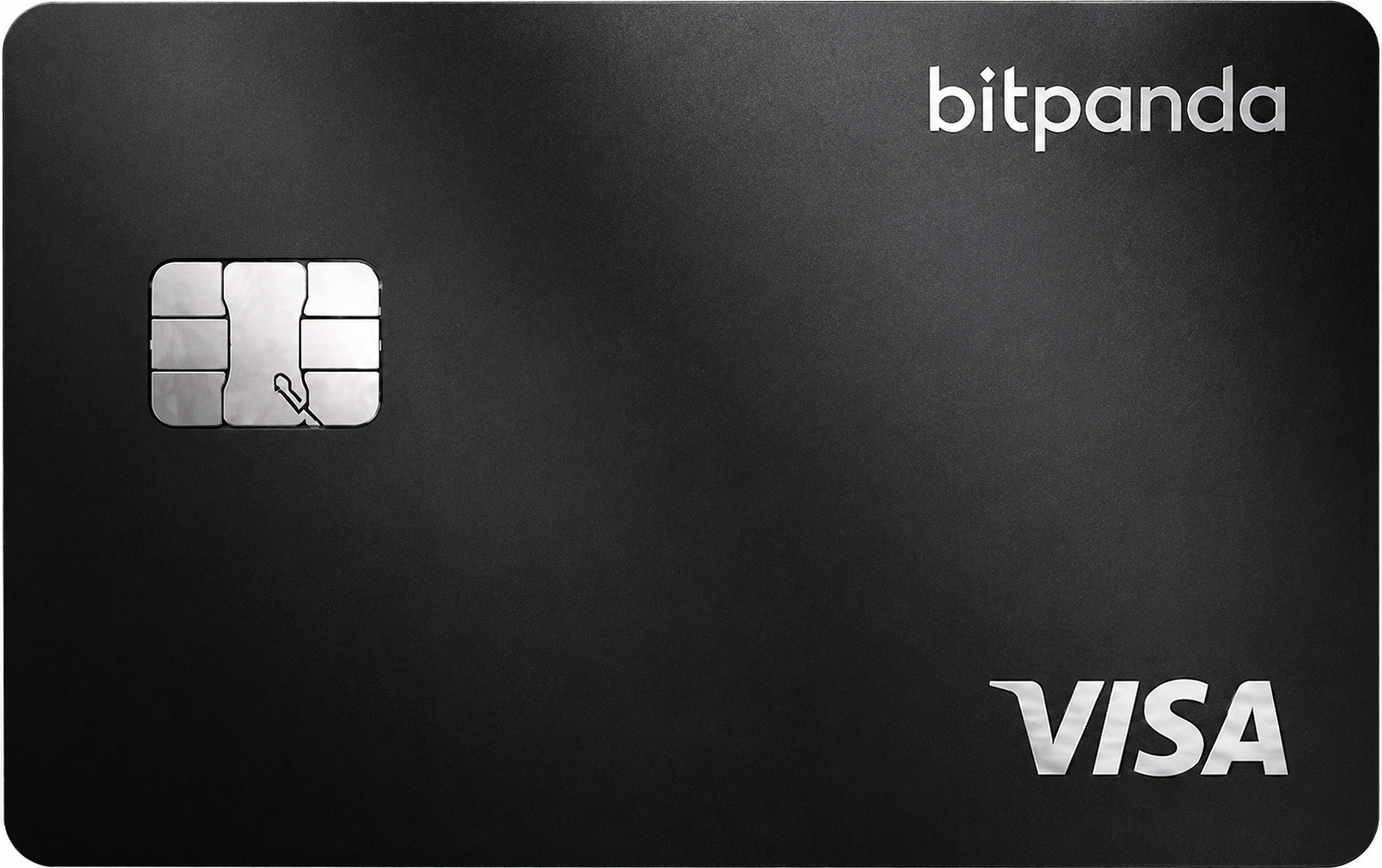
The Bitpanda Card rewards only those willing to lock up significant BEST token holdings. Its biggest strength is access to hundreds of cryptos, but high fees and staking requirements make it a poor fit for casual users.
Get Bitpanda CardAvailability
Rewards rate
Up to 2%
FX fee
2.5%
Savings
0.0
Availability
26 countries
Bitpanda CardMain perks
Bonus offers
Rewards
Pros
Cons
Options to Bitpanda Card




FAQs
Questions, answered
The Bitpanda Card is a Visa debit card linked to your Bitpanda account. It lets eligible users spend supported crypto assets, precious metals or euros at merchants that accept Visa, with the selected asset automatically converted into euros when the transaction is processed.
Bitpanda currently supports more than 600 crypto assets through its platform, and the card can also draw from your precious-metals wallets or EUR wallet. You choose a Main payment asset and can optionally set a Fallback payment asset if the Main balance is too low.
The card is designed for users who already hold investments on Bitpanda and want to use those balances for everyday spending. It is not a self-custodial card, because the assets being spent are held within the Bitpanda account and sold into euros when you pay.
You select a Main payment asset in the Bitpanda app, such as Bitcoin, another supported cryptocurrency, a precious metal or your EUR wallet. When you make a purchase, Bitpanda automatically sells enough of the selected asset into euros and reserves the euro amount needed to settle the Visa transaction.
You can also set a Fallback payment asset. If the Main wallet cannot cover the full purchase, Bitpanda uses the Fallback asset instead, which helps reduce declined payments. The entire purchase is funded from one asset rather than splitting the transaction between both.
Every crypto or metal-funded card payment therefore involves an asset-to-EUR trade. Bitpanda's normal trading fee applies to that conversion. This is important for both cost and tax purposes, because selling crypto to fund a card purchase can be a taxable event depending on your country.
No. The Bitpanda Card is connected to assets held in your Bitpanda account, so the spending balance uses Bitpanda's custodial infrastructure rather than a self-custodial wallet controlled by your own private keys.
When you pay with crypto or metals, Bitpanda sells the selected asset into euros inside your account and uses the resulting euro balance to settle the card transaction.
For existing Bitpanda users, this can make spending straightforward because there is no separate card wallet to top up. The trade-off is that the assets used for card payments remain dependent on the Bitpanda account and platform. If direct private-key control is a priority, the Bitpanda Card works differently from self-custodial crypto cards that connect an external or MPC wallet directly to the payment experience.
Bitpanda says the card can use all cryptocurrencies listed on Bitpanda, all precious metals available on the platform and the EUR fiat wallet. Other fiat currencies are not currently supported as direct card payment assets.
That gives the Bitpanda Card a broader asset range than many crypto cards because users can spend not only cryptocurrencies but also assets such as gold held through Bitpanda's metals product.
The asset you choose is automatically sold into euros when you pay. You can switch the Main payment asset at any time in the app and optionally configure a Fallback asset. Cashback rules are narrower than spending support: purchases funded with fiat, precious metals and stablecoins such as USDT, USDC or EUROCV do not currently qualify for cashback.
The Main payment asset is the Bitpanda wallet used by default for card purchases. You choose it inside the app and can change it whenever you want.
The Fallback payment asset is optional. If the Main asset does not contain enough value to cover a transaction, Bitpanda attempts to use the Fallback wallet for the full purchase instead. It does not combine the two balances to complete one payment.
This feature is useful if you normally spend from one crypto but want a second balance available to prevent unnecessary card declines. For example, you could use BTC as the Main asset and EUR as the Fallback. Remember that any crypto or metal used for the payment is automatically sold into euros, so the usual Bitpanda trading fee applies to the asset conversion.
The Bitpanda Card currently offers a flat 1% cashback on eligible purchases funded with cryptocurrencies. The rate no longer depends on BEST VIP level.
Cashback is paid in the same cryptocurrency used to fund the eligible purchase. Bitpanda says the reward is credited after the successful transaction, although merchant settlement can mean it takes up to around 15 business days in some cases.
Not every card purchase qualifies. Transactions funded with euros, precious metals, stablecoins such as USDT, USDC and EUROCV, and Bitpanda Stocks are excluded. Certain merchant categories are also excluded, including money transfers, utility payments, taxes and other cash-like or financial transactions. The 1% rate should therefore be treated as a crypto-spending reward rather than a universal cashback rate on every Bitpanda Card payment.
The card itself has no monthly cost, and Bitpanda's current product page advertises 0% additional Bitpanda FX fees for non-euro transactions. Visa conversion or markup costs can still apply.
The main cost for crypto or metal spending is the asset conversion. Every such card payment triggers a trade into euros inside the Bitpanda account, and Bitpanda's normal trading fee applies to that trade. Spending directly from the EUR wallet avoids an asset-to-euro trade.
ATM withdrawals currently cost 2% of the withdrawn amount with a minimum fee of €2, according to Bitpanda's latest Helpdesk information. An ATM owner can also add a separate local surcharge. Because trading fees depend on the asset, users should consider the conversion cost as well as the headline card fee when comparing Bitpanda with other crypto cards.
Bitpanda's published card documentation lists a daily card spending limit of up to €10,000 and a daily ATM withdrawal limit of €500. The ATM limit cannot be increased through the standard card settings.
Contactless payments also have a lower per-transaction threshold that can vary by country. Bitpanda's Helpdesk currently references a €50 contactless limit in its general FAQ, while normal chip-and-PIN or mobile-wallet transactions can operate under the broader card limits.
Bitpanda says current limits are visible inside the app under Card settings and should be treated as authoritative for your account. Merchant limits, Visa risk controls and available Bitpanda balance can also affect whether a large transaction is approved even when it is below the published daily ceiling.
Yes. The physical Bitpanda Card can be used at Visa-compatible ATMs. The current daily ATM withdrawal limit is €500.
Bitpanda currently charges 2% of the withdrawn amount with a minimum fee of €2. The ATM operator may also add its own surcharge, which Bitpanda cannot refund or control. If the ATM displays a separate local fee, you can cancel the withdrawal before confirming it.
The payment asset linked to the card is still relevant. If you withdraw cash while a crypto or precious-metal wallet is selected, Bitpanda must sell enough of that asset into euros for the withdrawal, and the usual trading fee applies. This can make crypto-funded cash withdrawals more expensive than the ATM fee alone suggests.
Yes. Bitpanda's current Helpdesk documentation says the Bitpanda Card can be added to both Apple Pay and Google Pay, giving eligible users contactless payment access through compatible phones and devices.
Using a mobile wallet does not change which Bitpanda asset funds the transaction. Your selected Main or Fallback payment asset is still sold into euros when required, and the same trading and cashback rules apply.
This is a recent improvement to the card. Older Bitpanda documentation stated that Apple Pay was not yet available, so users comparing older reviews may see conflicting information. The current Bitpanda Helpdesk and product page now show Apple Pay support. If enrolment fails, check that your card, account, device and country are eligible and that the Bitpanda app is up to date.
The Bitpanda Card is currently available to verified Bitpanda users who are resident in supported euro-area countries. Bitpanda states that the card is available throughout the Eurozone except Cyprus and Liechtenstein.
Applicants need a verified Bitpanda account, and users whose identity verification was completed through Bankident are currently excluded. The card feature will not appear in the app if your account is not eligible.
Bitpanda has changed some card onboarding requirements over time, so the live application screen is the best source for any minimum funding or account conditions that apply when you order. Residency matters more than simply holding an account: access to the Bitpanda exchange or broker from a country does not automatically mean the Visa Card is available there.
The Bitpanda Card is a Visa card issued by Transact Payments Malta Limited under licence from Visa Europe Limited. Bitpanda's current card page states that Transact Payments Malta is authorised and regulated by the Malta Financial Services Authority as a financial institution.
Bitpanda provides the account, asset conversion, app and investment infrastructure, while the issuer provides the regulated card and payment layer. This is why the Bitpanda brand on the card should not be interpreted as meaning Bitpanda itself is the card issuer.
The distinction matters for cardholder terms, payment regulation and some dispute processes. It also explains why Visa network rules and issuer controls can affect payments independently of Bitpanda's crypto platform. Users should review both Bitpanda's product documentation and the current cardholder terms when assessing protections and responsibilities.
Bitpanda currently allows one active physical Bitpanda Card per user. If the card is lost, stolen or damaged, you can order a replacement through the mobile app, with the current replacement charge published in the app and Helpdesk.
Bitpanda has also introduced virtual cards. Its current FAQ states that users can create up to three active virtual cards at the same time, which gives more flexibility for online spending or separating different payment uses.
All of these cards still draw on the same Bitpanda account infrastructure and use the payment assets you configure. Creating extra virtual cards does not create additional independent asset balances or increase the amount of crypto you hold. If you are using multiple virtual cards for subscriptions or online merchants, review each card's settings so you know which payment asset will ultimately fund the purchase.
First create and verify a Bitpanda account and make sure you are resident in an eligible euro-area country. If your account qualifies, the Card section appears in the Bitpanda app.
From there, follow the card-order flow, choose your Main payment asset and optionally configure a Fallback asset. Once a physical card arrives, activate it through the app using the requested card details. Virtual cards can be created digitally from the card section where available.
Before ordering, check the current eligibility and replacement or delivery information in the app because some requirements have changed over time. After activation, confirm that your selected payment asset has sufficient balance before using the card. Crypto or metals are converted into euros automatically when a payment is made.
For Bitpanda Card help, use the official Bitpanda Helpdesk at https://support.bitpanda.com. Bitpanda provides support tickets and logged-in chat for account-specific issues such as card payments, activation, cashback and mobile-wallet problems.
If a transaction is declined or a cashback reward is missing, keep the merchant name, amount, date and relevant transaction details available. Bitpanda's card transaction history in the app can help identify the payment and the asset used.
Do not share your password, two-factor authentication codes or other security credentials with anyone contacting you as support. You can block and unblock the card directly from the Bitpanda app if you suspect misuse. For urgent card security issues, use the official logged-in support route rather than social-media accounts or unsolicited messages.