


Tap Card
#103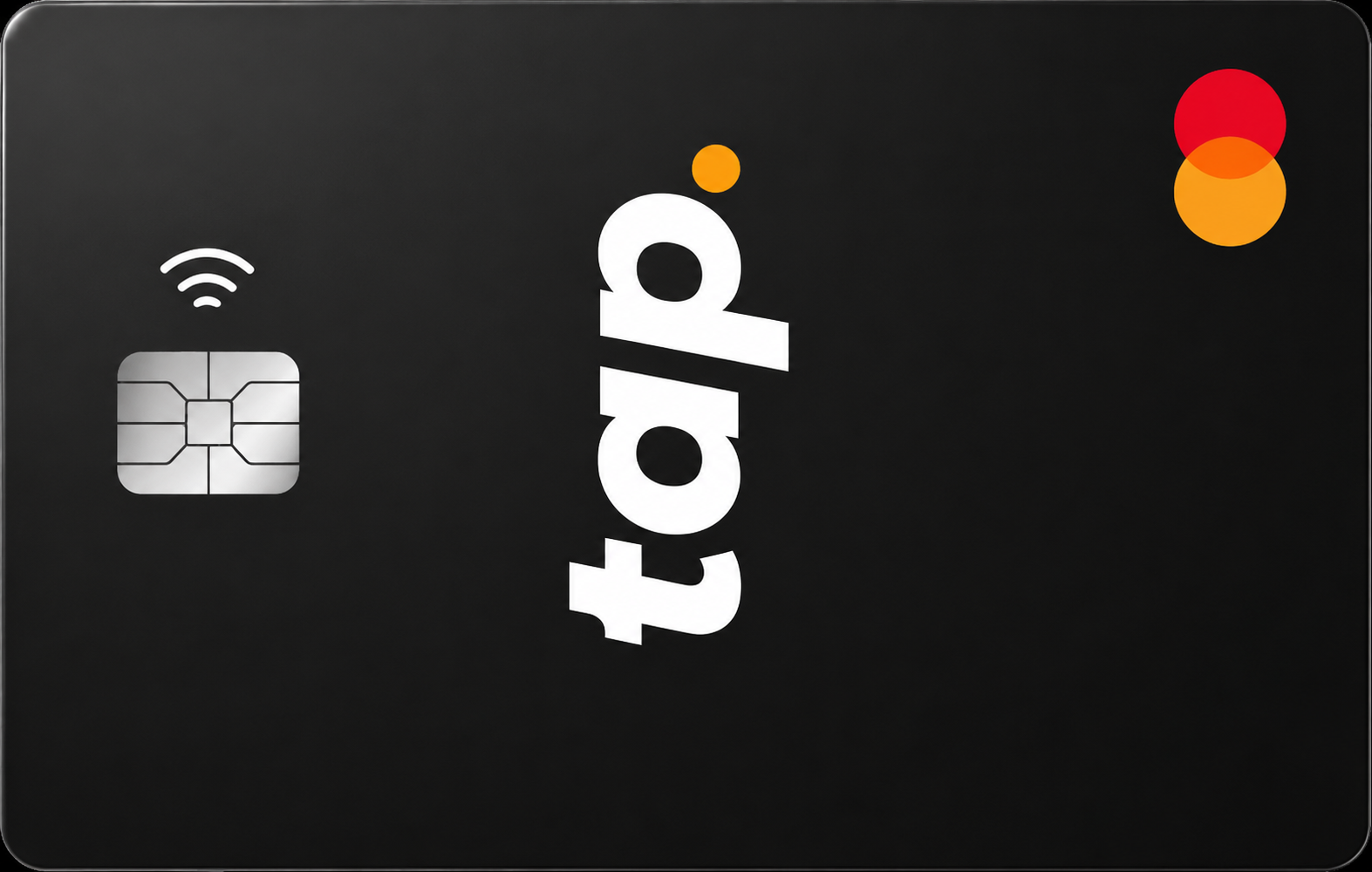
Tap Card rewards loyal XTP holders generously but delivers only 0.5% cashback at the free tier. Best for European crypto users willing to hold XTP for meaningful returns. Casual spenders get little.
Get Tap CardAvailability
Rewards rate
Up to 8%
FX fee
1.99%
Savings
0.0
Availability
31 countries
Tap CardMain perks
Bonus offers
Rewards
Pros
Cons
Options to Tap Card



FAQs
Questions, answered
The Tap Card is a prepaid Mastercard linked to the Tap app, which combines fiat accounts, crypto trading and card spending in one platform. Eligible users can hold supported fiat balances, exchange crypto inside Tap and spend through the card anywhere Mastercard is accepted.
The card is available in virtual and physical form, depending on account and region. Tap also offers premium tiers that can increase spending limits, reduce exchange and FX fees and raise cashback rates. Although Tap supports crypto, the card itself spends from a funded card balance rather than asking the merchant to accept cryptocurrency directly.
Tap lets users buy, sell and hold supported cryptocurrencies inside the app, then convert value into a spendable fiat card balance. The merchant receives an ordinary Mastercard payment.
Tap's card terms focus on loading the card from the Tap account rather than direct on-chain crypto settlement at the merchant. This means users should distinguish between Tap's crypto wallet and trading features and the prepaid Mastercard balance itself. Converting crypto before spending can involve Tap trading fees depending on the user's plan, while the card purchase can have separate FX pricing if the merchant charges in another currency.
No. The Tap Card uses Tap's account and prepaid-card infrastructure rather than a self-custodial wallet where the user alone controls the private keys to the card balance.
Tap can provide crypto trading and wallet functionality inside the app, but card spending depends on funds held within the Tap account and card programme. If self-custody is a priority, this is an important distinction. Tap is designed more as an integrated financial platform combining fiat, crypto and payments than as a card connected directly to a user's own external wallet.
Tap currently advertises cashback from 0.5% up to 8% depending on the user's premium tier. The current plan table lists 0.5% for Essential, 1.5% for Plus, 3% for Prime, 4% for Premier, 6% for Platinum and 8% for Prestige.
Higher tiers require locking larger amounts of XTP. Tap also states that cashback limits and terms apply, so the headline rate should not be treated as unlimited cashback on every possible transaction. Check the current plan and reward terms in the app before locking XTP specifically for a higher card reward.
Tap currently offers Essential, Plus, Prime, Premier, Platinum and Prestige tiers. The main differences are the amount of XTP that must be locked, cashback rate, trading fee, card limits, ATM allowance and FX pricing.
The current plan page lists XTP lockups from free for Essential up to €25,000 for Prestige. Cashback rises from 0.5% to 8%, while higher tiers also receive larger card-spending limits and more favourable ATM and exchange terms. Because locking XTP carries token-price risk, the card benefits should be weighed against the value and volatility of the required lockup.
Tap's fees depend heavily on the account tier. Current card terms list free card issuance and activation, with a €4.99 fee to upgrade to a physical card in the referenced UK/Gibraltar schedule.
For Standard or Essential-style accounts, the published schedule lists 1.5% FX when spending outside EUR and ATM fees of €2 minimum or 2% after the free monthly allowance. Higher tiers reduce these costs, with top tiers offering 0% card FX and free ATM withdrawals under their plan conditions. Always use the fee schedule for your exact region and tier because Tap operates more than one card programme.
Tap's FX fee depends on plan. The current card schedule for the referenced European-style programme lists 1.5% for Standard, 1% for Black and 0% for Titanium when spending outside the card's euro balance.
Tap's newer premium-plan structure also positions higher XTP tiers as receiving better exchange rates and lower FX fees. Because the legacy card-plan names and newer premium tiers coexist across Tap's documentation, users should check the live fee display for their account rather than assuming one percentage applies globally. Mastercard's conversion and merchant dynamic currency conversion can also affect the final amount.
Yes. Physical Tap cards support ATM withdrawals at compatible Mastercard ATMs. The amount you can withdraw and how much is free each month depend on your plan.
Tap's current premium-plan page lists €500 of free monthly ATM withdrawals for Essential, Plus, Prime and Premier, €1,000 for Platinum and unlimited free monthly withdrawals for Prestige. The older card fee schedule lists additional ATM fees once the free allowance is exceeded. ATM operators can also charge their own surcharge independently of Tap.
Tap's spending limits depend on the plan and regional card programme. The current premium-plan page lists monthly card spending limits of €15,000 for Essential, Plus, Prime and Premier, €25,000 for Platinum and €30,000 for Prestige.
An older detailed card schedule also publishes per-transaction, daily, weekly and annual limits under Standard, Black and Titanium plans. Because Tap has evolved its plan structure, the limit shown in the live app should be treated as authoritative for your account. Higher limits are one of the main benefits of upgrading or locking more XTP.
Yes. Tap says the Mastercard can be used at more than 110 million merchants worldwide and at compatible ATMs. The account may be funded in EUR under some card programmes, but non-euro purchases are converted automatically.
The cost of that conversion depends on your plan. Lower tiers can pay an FX fee, while higher tiers can reduce or eliminate Tap's own FX charge. International Mastercard acceptance does not guarantee every payment will work, and merchant-category, compliance or offline-terminal restrictions can still cause individual transactions to be declined.
Tap can provide eligible users with personal banking details, including a personal IBAN in supported European account configurations. That allows users to receive bank transfers directly into the Tap account instead of funding it only by debit card or crypto conversion.
Availability depends on region, account type and issuing partner, so not every Tap user should assume the same banking details are available. Tap describes itself as a financial technology platform rather than a bank, and its current website states that e-money and banking services are provided by authorised issuing partners such as Moorwand or Heuro depending on the account.
Yes, provided your Tap account includes eligible personal banking details. Users with a supported personal IBAN or account details can receive bank transfers, including salary payments, directly into Tap.
This can make Tap function as more than a crypto trading app. Salary can arrive as fiat, remain in the account for ordinary spending, be converted into supported crypto or be used with the Tap Card. The feature depends on region and account setup, so users should verify the banking details shown in their own app before asking an employer to redirect salary payments.
Tap Global is a financial technology platform, not a bank. Its current website says banking services and electronic-money accounts are provided by authorised issuing partners, with the exact provider depending on the user's region, currency and account type.
Tap currently names partners including Moorwand Ltd in the UK and Heuro SAS in Europe, while the card itself operates on Mastercard. This partner structure matters because the legal protections, account terms and complaint route can vary by jurisdiction. Users should check the entity disclosed inside their own Tap app.
Create a Tap account, complete the required identity verification and open the Card section once your account is approved. Eligible users can access the virtual card and can request a physical card where supported.
Before upgrading, compare the Essential and premium tiers because locking XTP can increase cashback, limits and fee discounts but also exposes you to XTP price risk. Fund the Tap account by an available bank transfer, debit-card route or supported crypto conversion, then make sure the card has enough spendable balance before the first purchase.
For card, account or transaction issues, use Tap's official Help Centre, contact page or in-app support. The website provides card terms, fee schedules, plan information and regional legal documentation.
Because Tap uses different issuing partners across jurisdictions, some card or e-money complaints can ultimately fall under the relevant partner's terms. For a transaction problem, keep the merchant, amount, date and any decline information available. Use only official withtap.com channels and never share passwords or one-time authentication codes with unsolicited contacts.