


Revolut Card
#108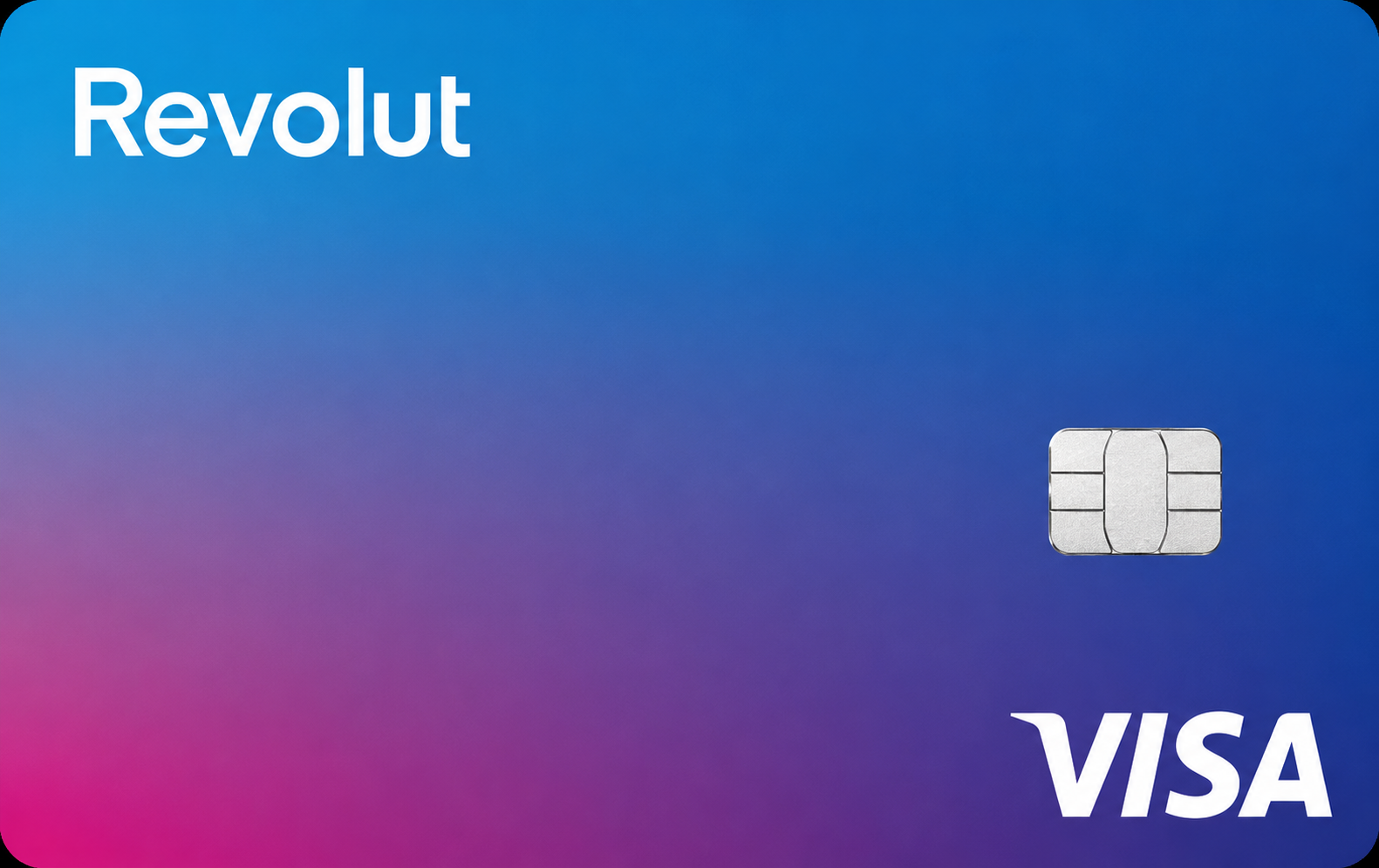
Revolut EU is a capable crypto-linked debit card for European residents who already use Revolut's ecosystem. The broad crypto selection stands out, but cashback is locked behind expensive paid tiers and fees add up fast.
Get Revolut CardAvailability
Rewards rate
Up to 1%
FX fee
1%
Savings
0.0
Availability
31 countries
Revolut CardMain perks
Bonus offers
Rewards
Pros
Cons
Options to Revolut Card




FAQs
Questions, answered
Revolut lets eligible European personal customers create a free virtual Crypto Card or link an existing personal Revolut card to a crypto Pocket. When the card is used, Revolut automatically sells enough of the selected crypto at the live rate and pays the merchant in the purchase currency.
The merchant therefore receives a normal card payment and does not need to accept cryptocurrency. Revolut Pro and Business cards cannot currently be linked to a personal crypto Pocket.
The virtual card is provided through Revolut Bank UAB or the relevant branch, while the crypto service is provided separately by Revolut Digital Assets Europe Limited. Physical Revolut cards can also spend from crypto when linked to a crypto Pocket.
Choose a specific crypto Pocket or select all of your eligible crypto balances as the funding source for a Revolut card. At checkout, Revolut converts enough crypto into the merchant's currency and completes a normal card payment.
If you choose all crypto accounts, Revolut starts with the cryptocurrency that has the largest balance and works down through the remaining balances until the payment is covered. If you choose one specific asset and it is insufficient, the card payment is declined rather than automatically taking another cryptocurrency.
Because the conversion is effectively a disposal of crypto, Revolut warns that the transaction can have tax consequences depending on your country.
Revolut supports more than 250 crypto assets for buying and selling in its European app, including Bitcoin, Ether, Solana, Polygon and Dogecoin. For card spending, you select the eligible crypto Pocket or Pockets available in your account.
The exact list of assets that can be used for a particular card payment can change with Revolut's supported-token catalogue and local availability. The app should therefore be treated as the final source rather than assuming every newly listed token is immediately usable for every feature.
If you select all crypto accounts, Revolut deducts from the largest eligible crypto balance first and continues until the payment amount is covered.
Revolut currently says it does not charge a separate crypto exchange fee specifically for Crypto Card payments. The crypto is converted using the live rate when the card payment completes.
Fair-usage charges can still apply depending on the customer's Revolut plan and exchange activity. Revolut's crypto fee terms also state that normal exchange or plan rules can apply around the card conversion, so 'no Crypto Card fee' should not be interpreted as every account having unlimited free exchange activity.
Before a large payment, check the plan's current exchange allowance and the rate shown in the app. Revolut's standard crypto trading fee schedule is separate from this card-payment feature.
No. Revolut's current Crypto Card payment FAQ explicitly states that it does not offer cashback for payments funded from crypto balances.
This is important because Revolut has other rewards systems, including RevPoints and plan-specific benefits, but those should not be presented as a crypto-card cashback percentage. The rewards attached to an ordinary Revolut plan can have separate eligibility rules.
If crypto rewards are the main reason you want a card, Revolut is better compared on convenience, asset support and integration with its wider financial app rather than a headline crypto cashback rate.
No. Crypto held in Revolut is custodial. Revolut says third-party custodians protect the private keys, while customers have beneficial ownership and instruct Revolut how the assets should be bought, sold or withdrawn.
Customers do not receive direct access to the private keys of their Revolut crypto balances. Revolut also uses an internal ledger and pooled wallet infrastructure rather than giving every customer a separate on-chain wallet for their full crypto exposure.
This is a major difference from self-custodial crypto cards. Revolut can be simpler for users who want one app for banking and crypto, but users who require direct private-key control should consider a self-custodial alternative.
Revolut currently lists a maximum Crypto Card payment of £100,000, or the equivalent in another currency, per transaction. Payments above that amount are declined.
The crypto conversion involved in card spending is also subject to exchange controls. Revolut's current Crypto Card FAQ lists up to 100 crypto exchanges within 24 hours for this payment feature, with individual minimum and maximum limits depending on the asset.
Cash withdrawals are subject to separate card and plan limits. The Crypto Card FAQ lists an overall ATM withdrawal ceiling of £3,000 equivalent in 24 hours, while monthly fee-free ATM allowances depend on the Revolut plan.
Revolut's Crypto Card documentation includes ATM withdrawals within the crypto-payment limits, with a current ceiling of £3,000 or equivalent every 24 hours. When crypto is used as the funding source, Revolut converts the required amount as part of the withdrawal flow.
Your ordinary Revolut plan still determines the fee-free ATM allowance. For example, Spain's Standard plan currently includes up to five withdrawals or €200 per billing month at third-party ATMs, whichever comes first, before the applicable fee is charged. Premium currently includes a €400 monthly allowance.
ATM owners can impose additional charges, and plan limits differ by country, so check your local fee schedule before withdrawing.
Yes. Revolut says its free virtual Crypto Card can be added to both Apple Pay and Google Pay after it is created.
You do not have to create a separate Crypto Card if you prefer using an existing personal Revolut card. Most personal Revolut cards can instead be linked to a crypto Pocket, with Revolut Pro and Business cards currently excluded from this feature.
Using a mobile wallet does not change how the crypto payment works. Revolut still converts the selected crypto into the merchant's currency at checkout, and the same crypto-payment fees, limits and refund rules apply.
A refund from a Crypto Card purchase is returned in the fiat currency of the original purchase, not in the cryptocurrency that was sold to fund the payment.
For example, if Revolut sold Bitcoin to pay a €100 merchant purchase and the merchant later refunds it, the refund arrives as euros rather than buying Bitcoin back automatically. This means the user remains exposed to any crypto price movement between the original sale and the refund.
Fair-usage fees can also apply depending on the user's plan. The refund treatment is worth understanding before using volatile crypto for purchases that are likely to be returned.
The dedicated Revolut Crypto Card is currently a virtual card. Revolut says it is free to create and can be used online or through Apple Pay and Google Pay.
However, crypto spending is not limited to that virtual card. You can link most existing personal Revolut cards, including eligible physical cards, to a crypto Pocket and use them with the same automatic crypto-to-fiat conversion at checkout. Revolut Pro and Business cards are excluded.
This means users who already have a physical Revolut card do not need a separate physical 'crypto card' to spend from a crypto balance.
Revolut offers a free Standard personal plan as well as paid plans whose pricing varies by country. In Spain, current monthly prices are €3.99 for Plus, €9.99 for Premium, €15.99 for Metal and €55 for Ultra.
The first Standard physical card is currently free in Spain, but delivery is charged. Virtual Revolut cards, including the dedicated virtual Crypto Card, are free. Premium card designs and delivery benefits depend on the subscription tier.
Because MyCardCompare covers Revolut across Europe, use your local Revolut pricing page for the final amount. Subscription, delivery and ATM allowances are country-specific even though the core crypto-spending feature works similarly.
They can be. Revolut explains that paying with crypto involves converting, or effectively selling, cryptocurrency into the fiat currency required for the purchase. In many countries, disposing of crypto can trigger a taxable capital gain or loss.
The tax treatment depends on residence, acquisition cost, the asset used and local law. Even a small everyday card purchase can therefore create a disposal record that may need to be included in tax calculations.
Revolut provides transaction and crypto statements that can help with record keeping, but it does not determine your personal tax liability. Users making frequent crypto-funded card payments should consider how they will track cost basis and disposals.
In the Revolut app, go to Home, open Cards, tap Add, choose Crypto and select the option to create the free virtual Crypto Card. Give the card a label, choose its design and select the crypto Pocket you want it to spend from, or choose all eligible Pockets.
Once created, the virtual card can be added to Apple Pay or Google Pay. You can change the selected crypto funding Pocket later in the card settings.
Alternatively, link an existing eligible personal Revolut card to a crypto Pocket instead of creating a new card. Revolut Pro and Business cards cannot currently use this personal crypto-spending feature.
For account-specific card or crypto-payment problems, Revolut directs customers to its in-app support chat, which is available from the Help section of the Revolut app. This is the safest route because support can see the relevant account and transaction context.
You can also use the public Revolut Help Centre at https://help.revolut.com to review Crypto Card setup, conversion, limits, refunds and card troubleshooting before opening a chat.
If a card is lost or a payment looks suspicious, freeze the card in the app immediately. Never share your passcode, one-time verification codes or account credentials with someone who contacts you unexpectedly.